Face recognition that finds people, not filenames
Every uploaded photo is scanned and stored as a face embedding. One selfie is matched against the whole event: across every folder, up to 1,000 photos per guest.
Upload your event photos once. Guests scan a QR code, take a quick selfie, and instantly get every photo they appear in, no app install needed.
Free tier · No card required · Nothing for guests to install
Built for photographers who hand over thousands of frames and want every guest to leave with the handful that are theirs.
FotoMe AI is an AI event photo sharing platform that uses face recognition to give every guest their own photos. A photographer uploads an event’s photos once and shares a single gallery link or a printable QR code. Each guest opens it in a phone browser, takes a selfie, and receives only the photos they appear in, usually within seconds, across thousands of images.
Drag and drop hundreds of photos. We process them in the background. Upload and walk away.
Face detection runs automatically on every photo. Thousands of faces indexed in minutes.
Share a link. Guests take a selfie. In seconds they see every photo of themselves, ready to download.
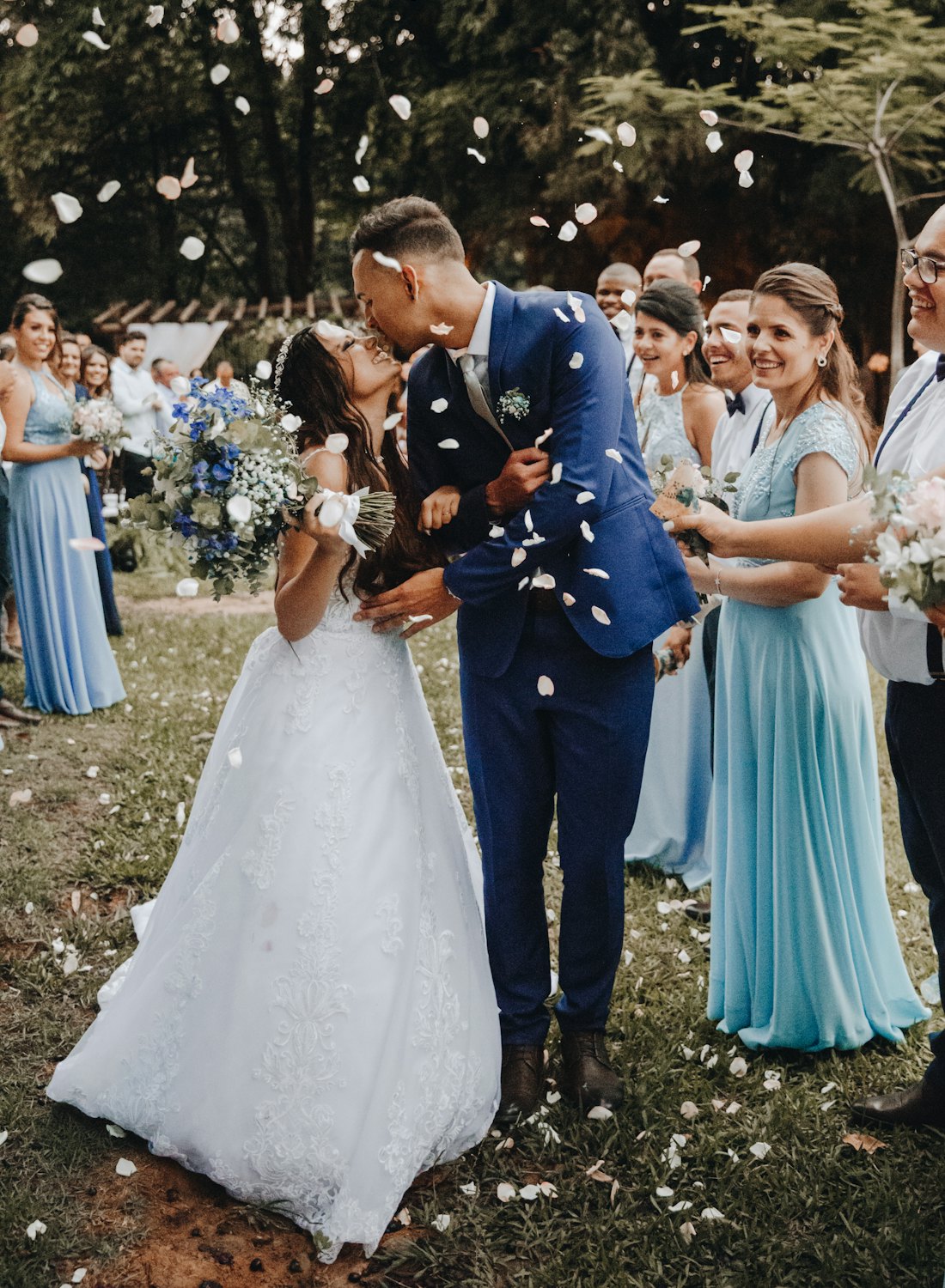
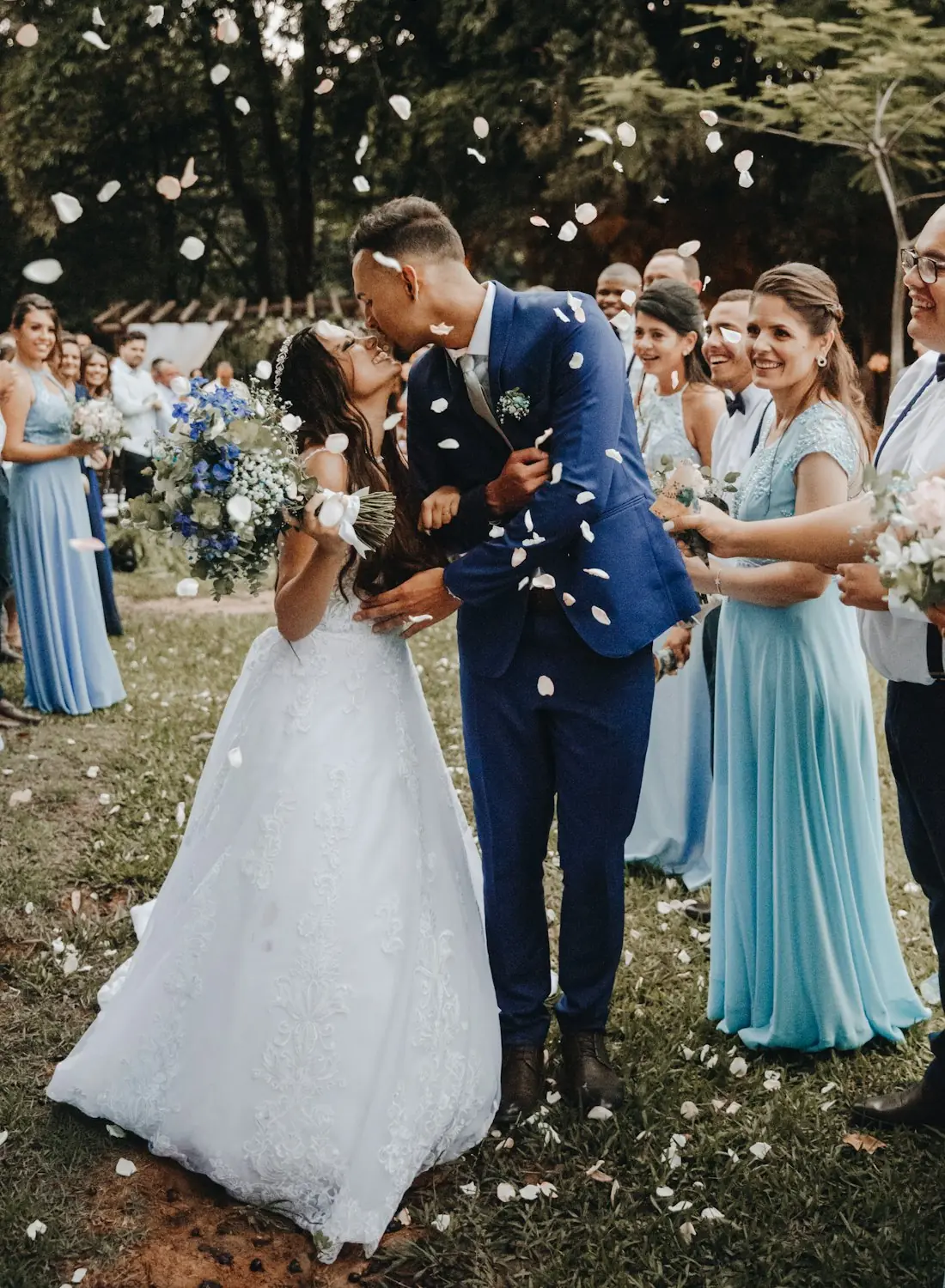
A photographer uploads a wedding and shares one gallery link. A guest opens it on their phone, takes a selfie, and gets every photo they appear in, no app and no account.

Handing a guest the full gallery is handing them a haystack. One selfie is all it takes to pull out the frames they are actually in. Drag the handle to see the difference.
Drag to compare
Guests can search the moment the link goes out.
Per guest, per event, across every folder.
The whole guest flow is a page in a phone browser.
Every uploaded photo is scanned and stored as a face embedding. One selfie is matched against the whole event: across every folder, up to 1,000 photos per guest.
Lock a gallery behind an auto-generated 6-digit PIN, give the link an expiry date, or revoke it outright.
Share a single gallery link, or print the QR code for the table. Nothing to install on any guest’s phone.
Choose per event what guests receive: 1600px, 2560px, or the untouched original file. Individually, or as a ZIP.
Guests who already searched are emailed automatically when a later upload turns up new photos of them.
Cover layouts, typefaces, grids and themes are per-event, on top of your studio logo, website and socials, so the delivery still reads as your work.
Per-event analytics for views, selfie searches, matches and downloads, including which photos travelled furthest.
Full-bleed covers, your typeface, your grid. The AI does its work quietly behind a gallery that looks like it came from your studio.
Most photographers are choosing between a shared folder and an AI gallery. Here is what actually differs, and what we would check before picking any tool.
| Aspect | Drive / WeTransfer / WhatsApp | Other AI photo tools | FotoMe AI |
|---|---|---|---|
| Delivery speed | Days to weeks: photos are culled, sorted, then sent as one bulk link. | Varies. Check how long indexing takes before guests can search. | Minutes. Faces are indexed as photos upload, so guests can search the moment the link goes out. |
| Guest experience | Scroll a folder of 2,000 photos looking for yourself. | Varies. Check whether a guest sees only their own photos. | One selfie returns only the photos that guest appears in, across every folder. |
| App required | None, but bulk downloads are awkward on a phone. | Varies. Check whether guests are asked to install an app. | None. The whole guest flow is a web page in any mobile browser. |
| Photo quality | WhatsApp re-compresses every image. Drive keeps originals, but guests download everything. | Varies. Check the resolution guests actually receive. | The photographer chooses per event: 1600px, 2560px, or the untouched original file. |
| Finding one person | Manual: someone tags or hand-sorts the photos. | Varies. Check the match limit per guest. | Face-embedding similarity search across the entire event, up to 1,000 photos per guest. |
| Later uploads | Guests have to be told to re-check the folder. | Varies. Check whether guests are notified. | Guests who already searched are emailed automatically when new photos match their face. |
The middle column is not a claim about any particular competitor. What each tool does differs by vendor and changes often. It is the list of questions worth asking whichever one you evaluate.
Open the gallery link the photographer shared and take a quick selfie. FotoMe AI instantly surfaces every photo you appear in, no scrolling through hundreds of strangers’ photos, nothing to install, and no account to create.
Your photos live in the gallery link the photographer or organizer sent you, usually by WhatsApp, email, or SMS. Open it on any phone, take a selfie, and your photos appear. If you don’t have the link yet, ask the event’s photographer for their FotoMe AI gallery link.
When a photographer uploads an event, our face recognition engine indexes every face in every photo. When you search with a selfie, it matches your face against that index and returns only the photos of you, usually in seconds, even across thousands of images.
Yes. Your selfie is used only to match you to photos in that one gallery, and a gallery can be made private behind a 6-digit PIN. Photographers control who can view and download, and a gallery link can be revoked or given an expiry date.
No, and there is no account to create either. The gallery is a web link that opens in any mobile browser: guests open it, take a selfie, and download their own photos straight from the browser. An email is only asked for if they want their whole set delivered as a ZIP.
A shared folder gives every guest the same 2,000 photos and leaves them to find themselves. FotoMe AI gives each guest only their own photos from a single selfie. WhatsApp also re-compresses every image it forwards, while FotoMe AI lets the photographer set the delivery size per event: 1600px, 2560px, or the untouched original file.
Up to 1,000 photos per guest, per event. A single selfie is matched against every face indexed in the event, across every folder, and the gallery shows all of them with per-folder match counts.
If the photographer used FotoMe AI, you don’t search the whole internet: you open their gallery link, take a selfie, and we find every photo of you in that event. It’s the fastest way to find photos of yourself from a wedding, race, party, or conference without scrolling through everyone else’s pictures.
Free tier · No card required